
Pinwheel Phone Review: The Kid Smartphone That Actually Grows With Your Child
Welcome to the GearLab, where we judge family tech that tries to thread the needle between “my kid needs a phone” and “I don’t want them doom-scrolling TikTok at age 10.”
Most kids phones are either overly restricted toys or full smartphones with weak parental controls. The Pinwheel Phone takes a smarter middle path: it’s a real smartphone with strong guardrails, a curated app library, and the ability to grow as your child matures.
Affiliate Disclosure: This post contains affiliate links. If you make a purchase through these links, we may earn a small commission at no extra cost to you. This helps support GearLab Reviews and keeps the lab running. Thank you!
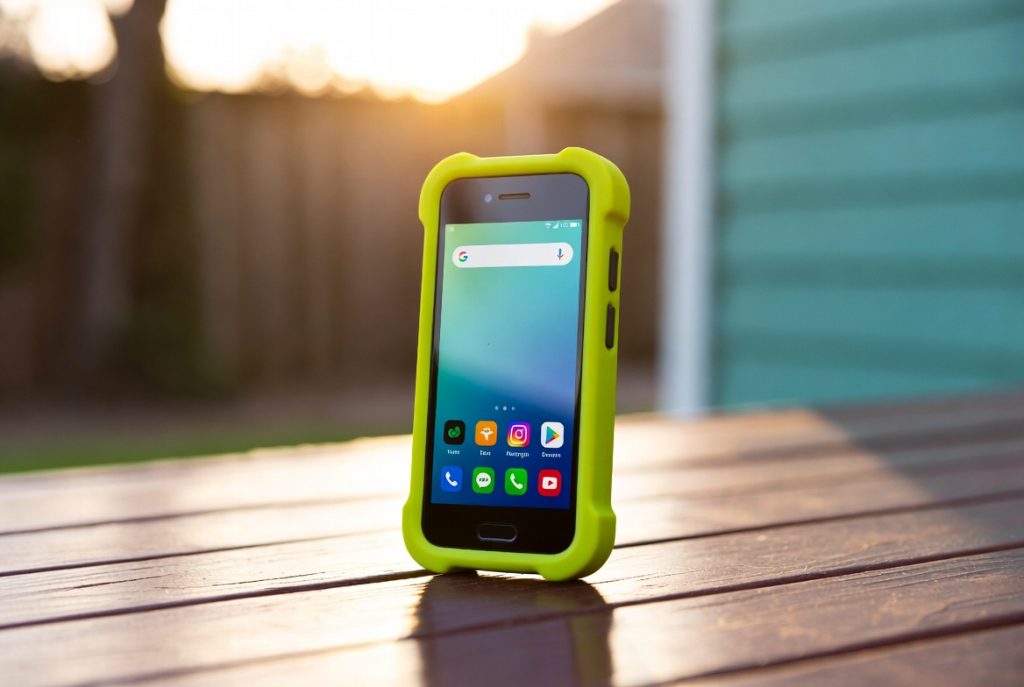
Why the Pinwheel Phone Stands Out
Pinwheel runs a modified Android system on solid hardware (often Pixel or similar models). Parents control everything through a web-based Caregiver Portal, with detailed safety ratings on over 1,200 apps.
The Good:
- Highly customizable parental controls and app approvals
- No open web browser or social media by default
- Curated, therapist-approved apps with safety ratings
- Grows with your child (you can unlock more features over time)
- Real smartphone experience without the usual dangers
- Strong monitoring and geofencing options
The Not-So-Good:
- Monthly Caregiver Portal subscription ($15+/month)
- Requires parent approval for most new apps
- Hardware choices are limited to what Pinwheel offers
GearLab Verdict: The Pinwheel Phone is one of the best options for parents who want a real smartphone experience for their kids without handing over the keys to the entire internet. It’s especially strong for families who want flexibility as their child gets older.
What makes the Pinwheel Phone genuinely different is that it treats parents like competent adults instead of idiots who need everything locked down forever. You get a clean web dashboard where you can approve or deny apps with actual safety ratings created by people who apparently understand child development. No more playing whack-a-mole with random apps your kid discovers. As your child gets older, you can gradually unlock more features instead of the usual “one day they’re 12 and suddenly they get the full internet with zero preparation” approach that most families end up doing.
Who Should Buy the Pinwheel Phone?
- Parents looking for a first “real” phone that’s still safe
- Families who want more than a basic feature phone but less than a full unlocked smartphone
- Those who value detailed app safety ratings and remote management
- Parents tired of fighting over screen time and app downloads
Compare it with our Gabb Watch and Best Kids GPS Trackers for a complete safety setup.
Let’s face it — giving a kid their first real smartphone feels a lot like handing them the keys to a car before they’ve even learned to ride a bike. The Pinwheel Phone tries to make that transition less terrifying. It starts extremely locked down (think feature-phone lite) and lets you slowly open the gates as your child proves they can handle more responsibility. The curated app store is especially refreshing — every app has been vetted with clear age and safety guidance, so you’re not constantly wondering if that colorful game is secretly mining crypto or feeding your kid’s data to the highest bidder.
Final Buying Guide
- Best Flexible Kid Smartphone: Pinwheel Phone on Pinwheel.com (starts around $199 + subscription)
Practical Parenting Tips: Start strict and loosen up over time. Use the geofencing and location features wisely instead of obsessively checking them. Have real conversations with your kids about why certain apps are restricted — turning it into a trust-building exercise rather than just another “because I said so” rule. And yes, even the best kid phone still requires actual parenting. Technology is a tool, not a substitute for teaching digital responsibility.
GearLab Final Snark: We created pocket-sized supercomputers that can access all of human knowledge and the worst parts of humanity at the same time, then had to invent $200+ phones with subscriptions just so our kids don’t accidentally become influencers before they can drive. The Pinwheel Phone is peak 2026 parenting: paying extra money for the privilege of slowly handing over a slightly less dangerous rectangle of distraction. At least this one comes with guardrails.
Affiliate Disclosure: This post contains affiliate links. If you make a purchase through these links, we may earn a small commission at no extra cost to you. Thank you for supporting GearLab Reviews!